The 4 Most Common GEO/AEO Mistakes Businesses Make (And How to Fix Them Fast)
Introduction
If your business is not showing up in ChatGPT, Perplexity, Google AI Overviews, or Claude answers, the problem is almost never your product. It is almost always a handful of technical oversights that are quietly blocking AI engines from finding, reading, and recommending you.
Generative Engine Optimization (GEO) - also called Answer Engine Optimization (AEO) - is the practice of making your business visible, citable, and trustworthy to large language models (LLMs) like ChatGPT, Google Gemini, and Anthropic's Claude. As of 2025, LLMs are increasingly the first stop for purchase decisions, vendor comparisons, and service recommendations. If an AI cannot access your website, it cannot recommend your business.
Emilis Zabilius, founder of GEO agency Agenzy, works with businesses across Lithuania and Europe on AI visibility. After auditing dozens of websites, he has identified the same four mistakes appearing again and again - mistakes that have an outsized, measurable impact on GEO performance.
"These are the things businesses need to fix ASAP," Zabilius says. "Some are technical, some are structural - but all of them are fixable."
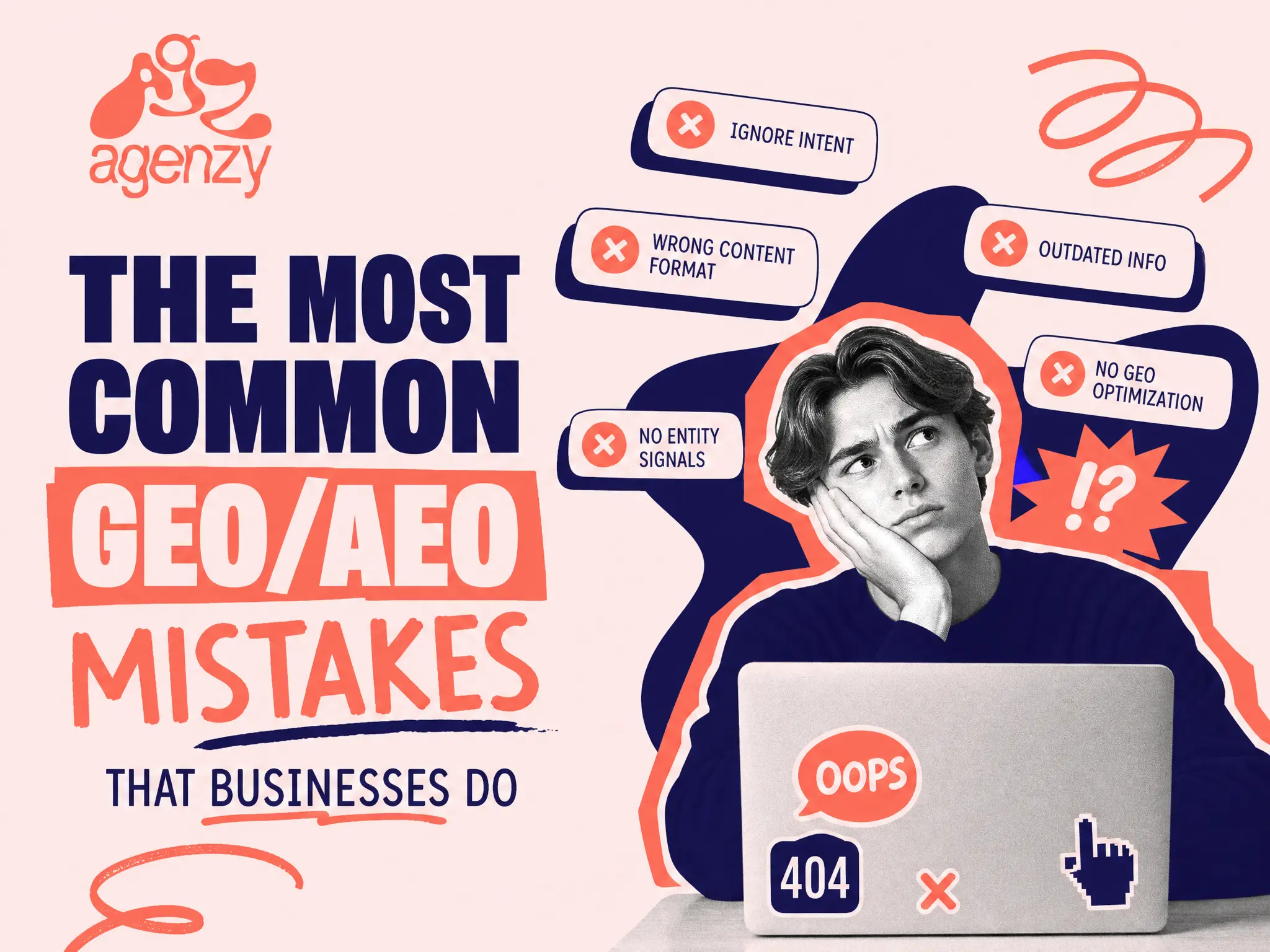
Here is what those mistakes are, why they matter, and how to fix each one.
Mistake 1: robots.txt Is Blocking AI Crawlers
What it is: The robots.txt file is a plain-text file on your website that tells web crawlers which pages they are and are not allowed to access. It was originally designed to manage traditional search engine bots like Googlebot.
Why it is the most common and most damaging GEO mistake: AI companies - OpenAI, Anthropic, Google, Perplexity, and others - send their own dedicated crawler bots to index the web and build their training datasets and real-time retrieval pools. These bots have different names than traditional search crawlers:
GPTBot(OpenAI / ChatGPT)ClaudeBot(Anthropic / Claude)Google-Extended(Google Gemini and AI Overviews)PerplexityBot(Perplexity AI)
If your robots.txt file contains a blanket disallow rule - or if it was configured years ago without these AI crawlers in mind - all of these bots may be blocked from ever reading your website. The result: LLMs have little to no information about your business, and will not recommend you, cite you, or include you in AI-generated answers. Our Outcraft case study began exactly here, with four AI crawlers blocked in robots.txt in May 2026.
"Even if they wanted to be recommended by LLMs, the LLM crawlers are not allowed on their website," says Zabilius. "This leads to them not being indexed and LLMs having really little info about their business. This has a massive impact."
How to fix it: Open your robots.txt file (accessible at yourdomain.com/robots.txt) and check for Disallow: / or any rules that would block AI crawlers. Add explicit Allow rules for each major AI bot, or remove overly broad disallow rules.
Example of what to add:
Impact level: Critical. This single fix can move a business from zero AI visibility to active indexing.
Mistake 2: Your Firewall or CDN Blocks AI Crawlers Even When robots.txt Allows Them
What it is: robots.txt is a request, and a bot that honours it still has to get through your hosting stack. Cloudflare's bot-fight settings, a WAF rule, a hosting firewall or a "block unknown bots" security plugin can answer GPTBot, ClaudeBot or PerplexityBot with a 403 or a challenge page before they ever see your content. The site owner notices nothing, because a browser loads the page normally.
Why it matters: This is the block that hides. A robots.txt with an Allow rule for every AI bot means little if the CDN answers those bots with an error. We have audited sites where robots.txt was clean and the Cloudflare security log showed every AI crawler request rejected as a false positive. The outcome for the AI engines is the same as in Mistake 1: little or no information about the business.
How to fix it: Open your CDN or hosting security events and filter for the AI user agents listed above, then look at the status they received. On Cloudflare, review Bot Fight Mode, Super Bot Fight Mode and any custom WAF rules, and add an allow rule for the verified AI crawlers you want in. On hosting firewalls and security plugins, whitelist the same user agents and their published IP ranges. Then fetch a page as each bot and confirm a 200 response.
Impact level: Critical. A server-side block cancels every other GEO fix on this list.
A note on llms.txt: You will see llms.txt on most GEO checklists. It is a plain-text summary of your site at yourdomain.com/llms.txt, and we ship one for every client because it takes minutes. We do not rank it as a fix. Server logs across 137,000 domains show that 97% of published llms.txt files received zero requests in a month, and no AI vendor has stated that its systems read the file. Publish it as a courtesy, then spend your time on the four mistakes in this list. Our llms.txt guide shows what the spec says and who actually requests the file.
Mistake 3: Weak or Broken Schema Markup
What it is: Schema markup (also called structured data) is code added to your website - typically in JSON-LD format - that explicitly tells search engines and AI systems what type of content is on each page. Common schema types include Organization, LocalBusiness, Service, FAQPage, Article, and BreadcrumbList.
Why "good enough" schema is not good enough: Many businesses have some schema on their website, but it was auto-generated by an SEO plugin - and those auto-generated codes are often generic, incomplete, or actively misleading. Missing fields, mismatched data, and incorrect schema types do not just fail to help your GEO: they can actively harm it by sending conflicting signals about your business.
"Most of the times, businesses have some codes generated from an SEO extension or a plugin," says Zabilius. "But those codes are horrific - they're not enough, they're really poor, and they can even harm your GEO."
He points specifically to popular SEO plugins common in Lithuanian and European markets: "If you have that SEO plugin, check the schema codes. If they're really generic, if you see that data is missing, you need to update them."
What good schema looks like: A properly configured Organization schema should include your full legal name, logo URL, address, phone number, founding date, service area, social profiles, and a detailed description. A Service schema should name each specific service, describe it, list pricing range if applicable, and link it to the provider (your Organization).
How to fix it: Audit your current schema using Google's Rich Results Test or Schema.org Validator. Identify missing fields and incorrect types. Either update the schema manually (requires basic JSON knowledge) or work with a GEO agency to ensure each page's structured data is complete, accurate, and aligned with what LLMs expect.
Impact level: High. Schema is one of the primary signals LLMs use to extract factual information about a business - name, services, location, and trustworthiness.
Mistake 4: Messy Website Structure and Low EEAT Signals
What it is: Google's EEAT framework - Experience, Expertise, Authoritativeness, Trustworthiness - is the quality rating system used to evaluate websites for both search rankings and, increasingly, AI retrieval systems. GEO performance is heavily dependent on EEAT because LLMs rely on Google's quality signals when deciding which sources to cite and recommend.
Why old websites create hidden GEO damage: Many businesses - particularly those that have been operating since the early 2000s or mid-2010s - have accumulated website baggage: orphaned pages with outdated information, duplicate content, broken internal links, services that no longer exist, and contradictory claims scattered across different pages.
"GEO works heavily, reliant on SEO and EEAT rating of Google," says Zabilius. "And most Lithuanian and European businesses overlook this. They have their website created in the early 2000s or mid-2010s, and they have a lot of pages that don't need to exist. The website structure is a mess - and this harms your Google EEAT rating, which impacts your SEO and your GEO incredibly."
Why this matters for AI specifically: LLMs do not just look at your homepage. They parse your entire accessible website and cross-reference it for consistency. If your About page says you were founded in 2010 but a press release says 2012, if your services page lists offerings you stopped providing years ago, or if you have thin pages with no real content - all of this creates a low-trust signal that reduces your citability.
How to fix it: Set aside time for a structured website audit. Go through every page and ask:
Is this page still accurate and relevant?
Does the information match what appears on other pages?
Does this page serve a clear purpose for a visitor?
Are there pages that should be merged, updated, or removed?
"Just having one day to sit down and look at your website structure, your pages, your info - is it still relevant, is there something that needs to be changed, is the info matching everywhere - this deep dive into your own website is crucial if you want to see better results," says Zabilius.
Redirect or consolidate low-quality pages, update outdated content, and ensure your business information is consistent across every page.
Impact level: High. Clean site structure and strong EEAT directly influence how authoritative LLMs perceive your domain.
The Fast-Start Fix Priority Order
If you are working through these fixes, prioritize in this order based on effort-to-impact ratio:
Priority | Fix | Effort | Impact |
|---|---|---|---|
1 | Unblock AI crawlers in robots.txt | 15 minutes | Critical |
2 | Allow AI crawlers through your CDN, WAF and hosting firewall | 30-60 minutes | Critical |
3 | Audit and update schema markup | 2-4 hours | High |
4 | Website structure and EEAT audit | 1-2 days | High (long-term) |
Optional | Publish llms.txt | 30 minutes | Low; we ship it, the evidence that it moves anything is thin |
Frequently Asked Questions
What is GEO (Generative Engine Optimization)?
GEO is the practice of optimizing a website and its content so that large language models (LLMs) like ChatGPT, Claude, Gemini, and Perplexity can find, understand, and recommend the business in AI-generated answers.
What is AEO (Answer Engine Optimization)?
AEO is a closely related term that focuses specifically on getting a business's content selected as the answer to direct user questions in AI engines and voice search. GEO and AEO are often used interchangeably.
What is llms.txt?llms.txt is a plain-text file placed at the root of a website (e.g., yourdomain.com/llms.txt) that provides a structured, LLM-readable summary of the business - its services, structure, and key pages. It takes minutes to publish, so we ship it, but server-log studies show almost no AI crawler requests for the file, so treat it as a courtesy rather than a visibility fix.
Does blocking AI crawlers in robots.txt also block Google?
Not necessarily. Traditional search bots like Googlebot have different user-agent names than AI crawlers. However, Google's AI tools (Gemini, AI Overviews) use Google-Extended as a separate agent, which may also be blocked if not explicitly allowed.
Can poor schema markup actually hurt GEO performance?
Yes. Incomplete or contradictory schema sends conflicting signals about your business to both search engines and LLMs, reducing trust and citability. It is better to have no schema than incorrect schema for certain fields.
How long does it take to see GEO improvements after fixing these issues?
Technical fixes like robots.txt and firewall unblocking can show results within 2-4 weeks as AI crawlers re-index your site. Schema and structural improvements typically show compounding results over 1-3 months.
Want a Free GEO Audit?
If you would rather have an expert review your site than work through these checks yourself, Agenzy offers a free GEO audit. The audit covers robots.txt configuration, server-side and CDN bot blocking, schema quality, website structure, EEAT signals, and a competitive benchmark showing where you stand against your main competitors in AI visibility.
Book a free call to get your audit and a clear action plan for improving your LLM citability.